
$US 0.00
LUX ORCHESTRAL STRINGS ELEMENTS
Free Orchestral Strings Instrument for Film, TV and Game Composers
Since its launch, LUX Orchestral Strings has quickly become a go-to for film and TV composers, finding its way into the templates of some of the biggest names working in the industry today.
LUX Orchestral Strings Elements gives you a free way in. The core string sections, the same recordings, and enough to start writing real cues. Try it in your own sessions and hear what it can do. When it comes to auditioning a library, the only demo that really matters is your own cue.
LUX Orchestral Strings Elements includes:
- Five string sections
- Four core articulations
- The same recordings as the Full LUX Orchestral Strings Library
- 1st Violin Legato Demo
In stock
Start The Cue With Elements
All five string sections, four core articulations, and the same recordings as the full LUX Orchestral Strings library. Free to download and keep.
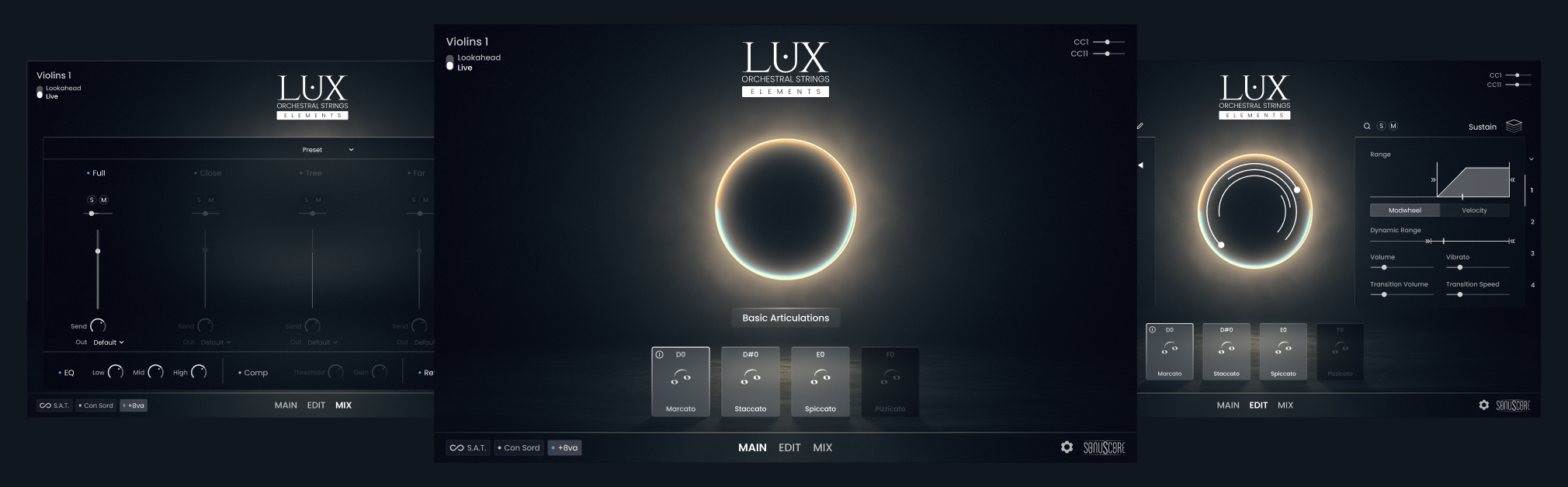
WHAT’S INCLUDED
All Five String Sections
1st Violins, 2nd Violins, Violas, Celli, and Basses. Write for a full orchestral string body, not isolated patches.
Four Core Articulations
Sustain, Spiccato, Tremolo, and Sul Ponticello Tremolo. Enough to cover melodic writing, rhythmic passages, and tension textures from the start.
The Same Recordings as LUX Orchestral Strings
Elements uses the identical sample source and cinematic mix as the flagship version. What you hear here is what LUX sounds like.
1st Violin Legato Demo
A one-octave legato passage is included to show you the phrasing and transitions before you expand to the full range in paid tiers.
LISTEN TO THE AUDIO DEMOS
PRO COMPOSERS ABOUT LUX ORCHESTRAL STRINGS
LUX Orchestral Strings is the library used by some of the most recognised names in film and television scoring. Composers who’ve used it include:
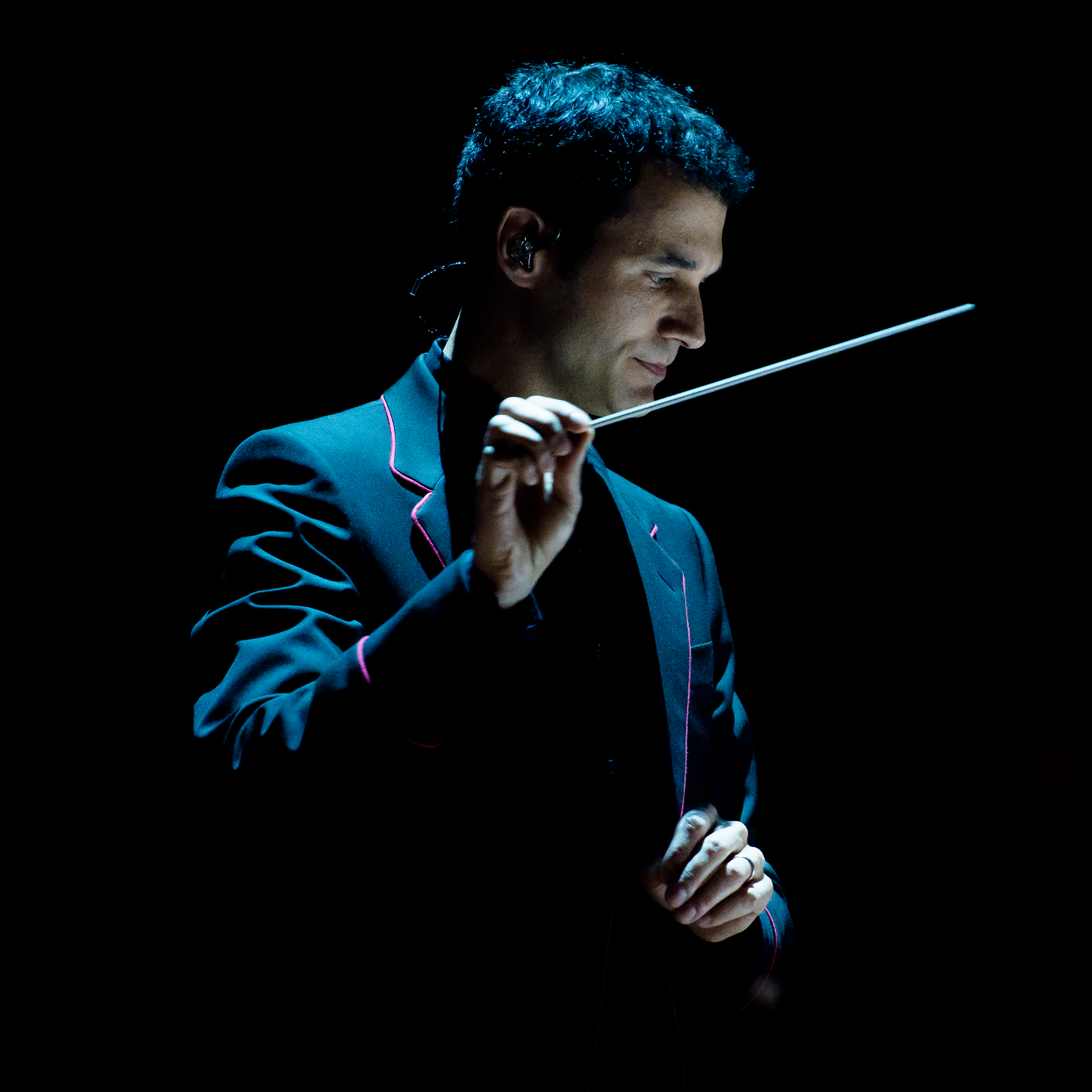
Sonuscore’s LUX Orchestral Strings are highly playable, imbued with warmth, and intuitively programmed: a remarkable orchestral library.”
Ramin Djawadi
Composer
Fallout | Game Of Thrones | Westworld | Iron Man

“I could not believe the sound coming out of the speakers, it really felt like I was in the room conducting a string orchestra.”
John Enroth
Composer
Thor: Ragnarok | 21 Jump Street

“Whatever you need to score, whatever you need to write strings for, LUX will cover it.”
Stephen Gallagher
Composer / Music Editor
LOTR – THE WAR OF THE ROHIRRIM | THE BEATLES: GET BACK | DISTRICT 9

“LUX Orchestral Strings sounds phenomenal! Gorgeous recordings make this insanely versatile instrument an absolute must. The possibilities here are limitless.”
Scott Michael Smith
Score Mixer
THE REVENANT / SHAZAM! / AHSOKA / BABYLON
HOW TO USE LUX ELEMENTS
Watch our walkthrough of the full version of LUX Orchestral Strings to master LUX Orchestral Strings Elements for fast and efficient workflow.
Frequently Asked Questions
Is this really free?
Yes. LUX Orchestral Strings Elements is free to download and keep. No time limit, no subscription.
What do I need to run it?
LUX Orchestral Strings Elements runs with the free Native Instruments Kontakt Player.
Why can’t I hear legato across the full range?
Full legato range is available in the Full Version. The one-octave legato demo in LUX Orchestral Strings Elements shows you the quality of the transitions.
What does upgrading give me?
The Full Version of LUX Orchestral Strings adds extended articulation sets and workflow tools. It also adds full microphone control, the ensemble instrument, and the complete articulation palette for professional scoring work.
Which version of Kontakt do I need?
LUX Orchestral Strings Elements requires the free Native Instruments Kontakt Player 7.10.9 or higher.
How much RAM do I need to run LUX Orchestral Strings Elements?
LUX Orchestral Strings Elements needs 8 GB of RAM.
Is Elements available for both Mac and PC?
Yes. LUX Orchestral Strings Elements runs on macOS and Windows wherever Native Instruments Kontakt Player is supported. Check the Native Instruments website for the current list of supported operating systems.
How do I install LUX Orchestral Strings Elements?
Download the installation manual from your Sonuscore account after registration and follow the steps. The library is installed via Native Access, the Native Instruments installation manager. Once installed, it will appear in your Kontakt library browser automatically.
Do I need an internet connection to use LUX Orchestral Strings Elements after download?
No. Once installed, LUX Orchestral Strings Elements runs fully offline. An internet connection is only required during the initial download and installation.
Will LUX Orchestral Strings Elements work inside my DAW?
Yes. The free Kontakt Player runs as a plugin inside any DAW that supports VST, AU, or AAX formats, including Pro Tools, Logic Pro, Cubase, Ableton Live, Fender Studio, and Reaper. Load LUX Orchestral Strings Elements as you would any other Kontakt instrument.
What kind of music can I write with LUX Orchestral Strings Elements?
LUX Orchestral Strings Elements is suited to any writing that calls for orchestral strings: film and TV scoring, trailer music, video game soundtracks, production music, and solo compositional work. The four included articulations cover melodic lines, rhythmic figures, and sustained tension textures, which covers the majority of common string writing scenarios.
Can I use LUX Orchestral Strings Elements for a full orchestral arrangement?
LUX Orchestral Strings Elements includes all five standard string sections, so you can write for the complete string body. For more complex arrangements requiring extended articulations, divisi, or detailed microphone control, the full version provides those capabilities.
Is LUX Orchestral Strings Elements suitable for beginners?
Yes. The instrument is designed to get you writing immediately without a steep learning curve. Load a section, choose an articulation, and play. The interface follows the same logic as the full LUX Orchestral Strings library, so anything you learn in LUX Orchestral Strings Elements carries over if you upgrade.
Can I sketch a full cue with LUX Orchestral Strings Elements before committing to the full library?
That is exactly what it is designed for. LUX Orchestral Strings Elements provides enough of the LUX sound and articulation set to write a complete string cue from scratch. When the cue reaches a stage where you need more, the upgrade gives you the tools to finish it without starting over.
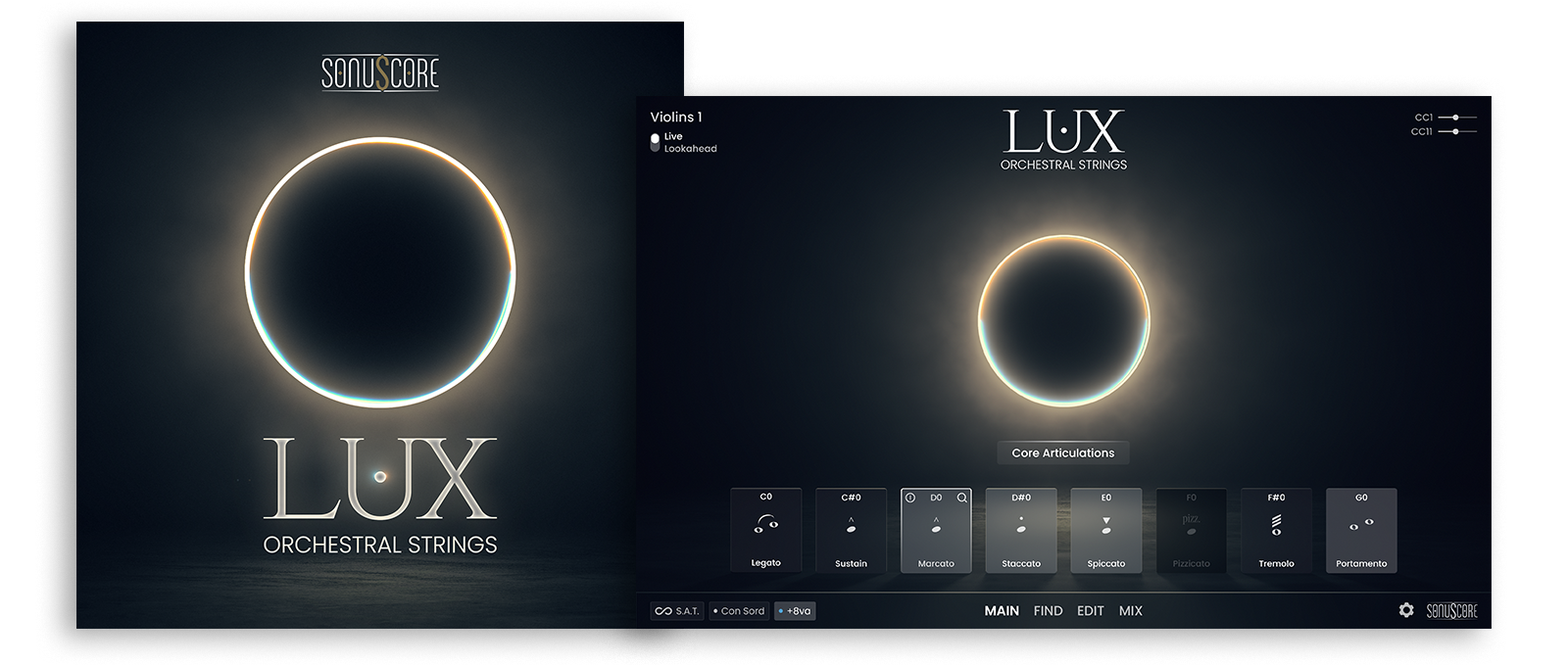
Create the cue with Elements. Take it further when you’re ready.
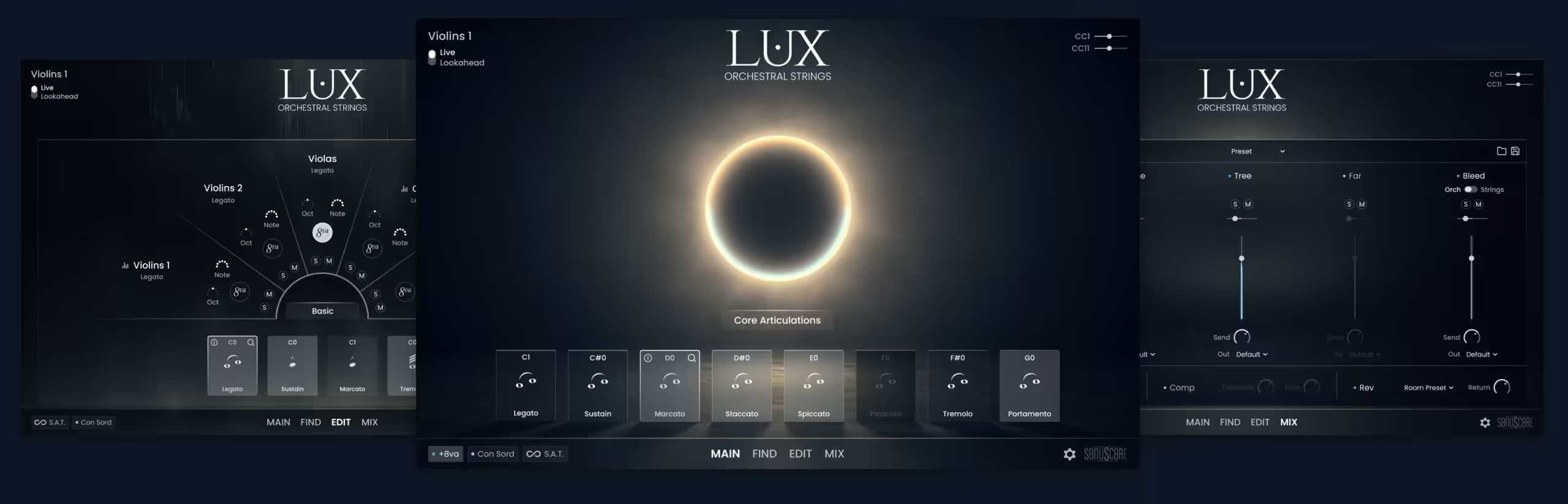
When the cue starts to develop, the path forward is clear. The Full Version is the complete professional toolkit: full microphone control, the ensemble instrument, and the full articulation palette for serious scoring work.
Additional Features In The Full Version
Legato For All Sections
Adaptive legato that responds to your playing with natural phrasing, available for all string sections.
Complete Set of Core Articulations
Including staccato, spiccato, marcato, tremolo, pizzicato, portamento, con sordino emulation and more.
Extended Techniques
Included are techniques such as whisper sustains, harmonics legato, soft interval trills, pendulum glissandi, slow bends and swarm textures.
Live-Recorded Elements
Included are trill figures, measured arpeggios and performance gestures that add realism.
Fluid Staccatos
Recorded in real rhythmic contexts, with an intelligent staccato mode for effortless ostinatos.
Ensemble Instrument
The ensemble instrument features polyphonic legato for sketching instant orchestrations.
Four Mic Positions
Three standard mic positions (Close, Decca, Far) plus the exclusive Bleed option.
LISTEN TO THE AUDIO DEMOS
Key Features
- Free version of our flagship strings instrument LUX Orchestral Strings
- Five string sections
- Four core articulations
- 1st Violin Legato Demo
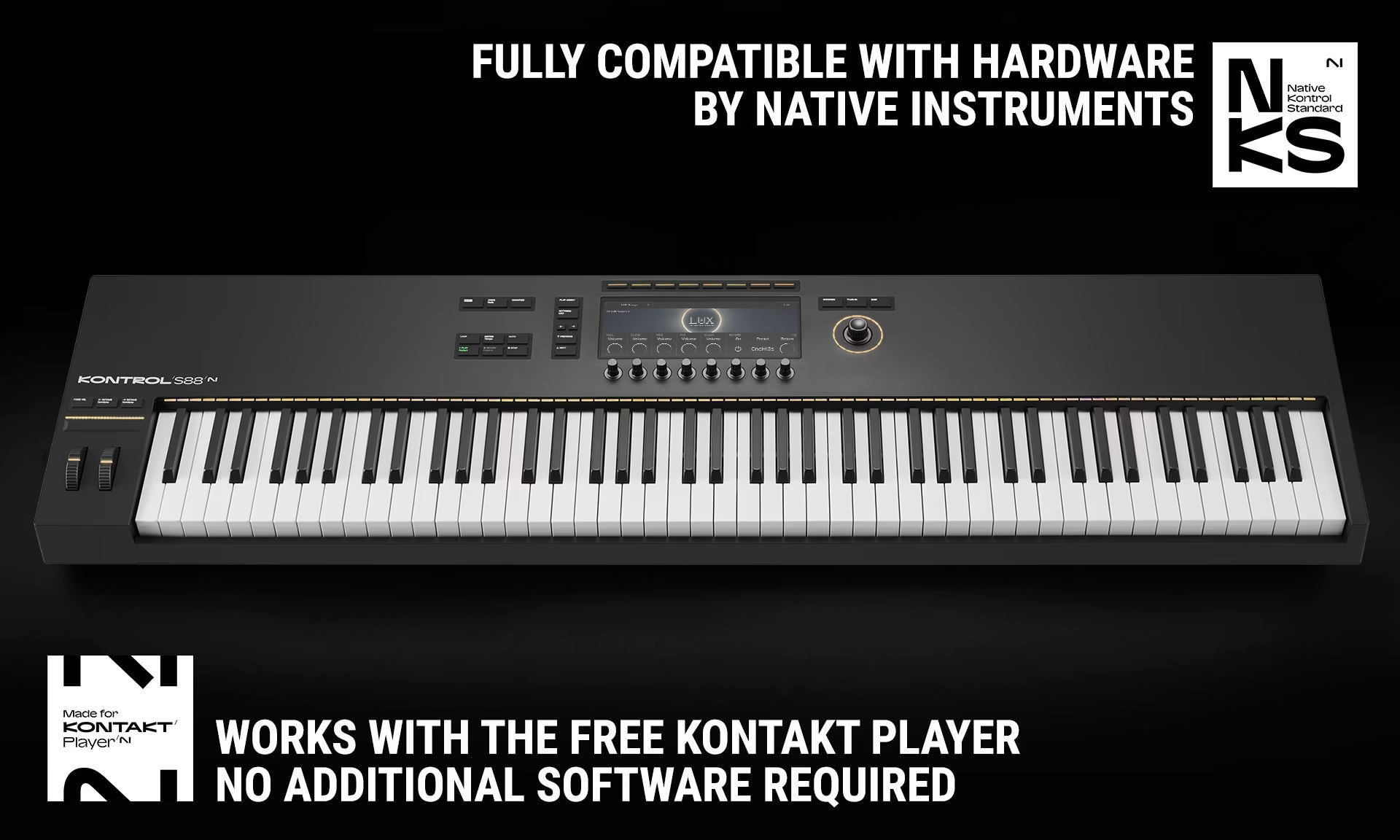
- Full compatibility with the free Kontakt Player
System Requirements
- Works with the FREE KONTAKT PLAYER
- KONTAKT Version 7.10.9 or higher
- Apple Silicon Macs: macOS 13, 14 or 15 (latest update)
- Intel Macs (i5 or higher): macOS 13, 14 or 15 (latest update)
- Windows 10 or 11 (latest Service Pack), Intel Core i5 or equivalent CPU
- Graphics hardware support for OpenGL 2.1 or higher and Direct 3D 11.1
- 8GB RAM (more recommended)